Sweo fits seamlessly into your existing stack

Sweo connects to the systems and channels you already use—through MCP or API Data Connectors for your business tools, integrations with Intercom or your existing helpdesk, and native support for every channel from chat and email to voice.

A decorative background depicting a gradient of colors
Data Connectors

Connect Sweo to your business tools with Data Connectors

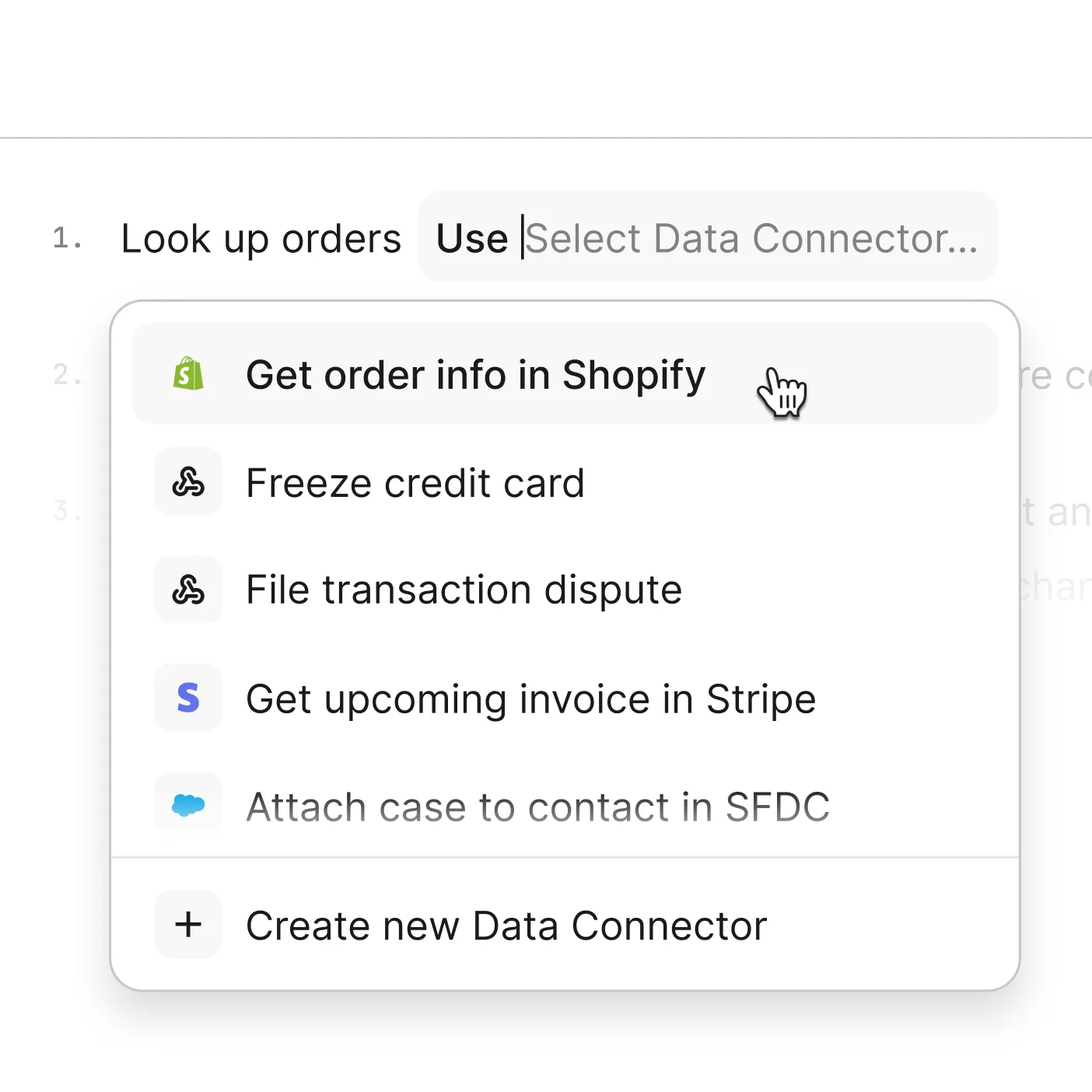
01Allow Sweo to access real-time data and take action in your business tools—like Linear, Stripe, or Shopify—through MCP or API Data Connectors. You can also securely share Sweo’s conversation data with external AI systems such as ChatGPT, Claude, or Glean to uncover insights and power richer analytics.

Fig 1.A
Data Connectors
Data Connectors

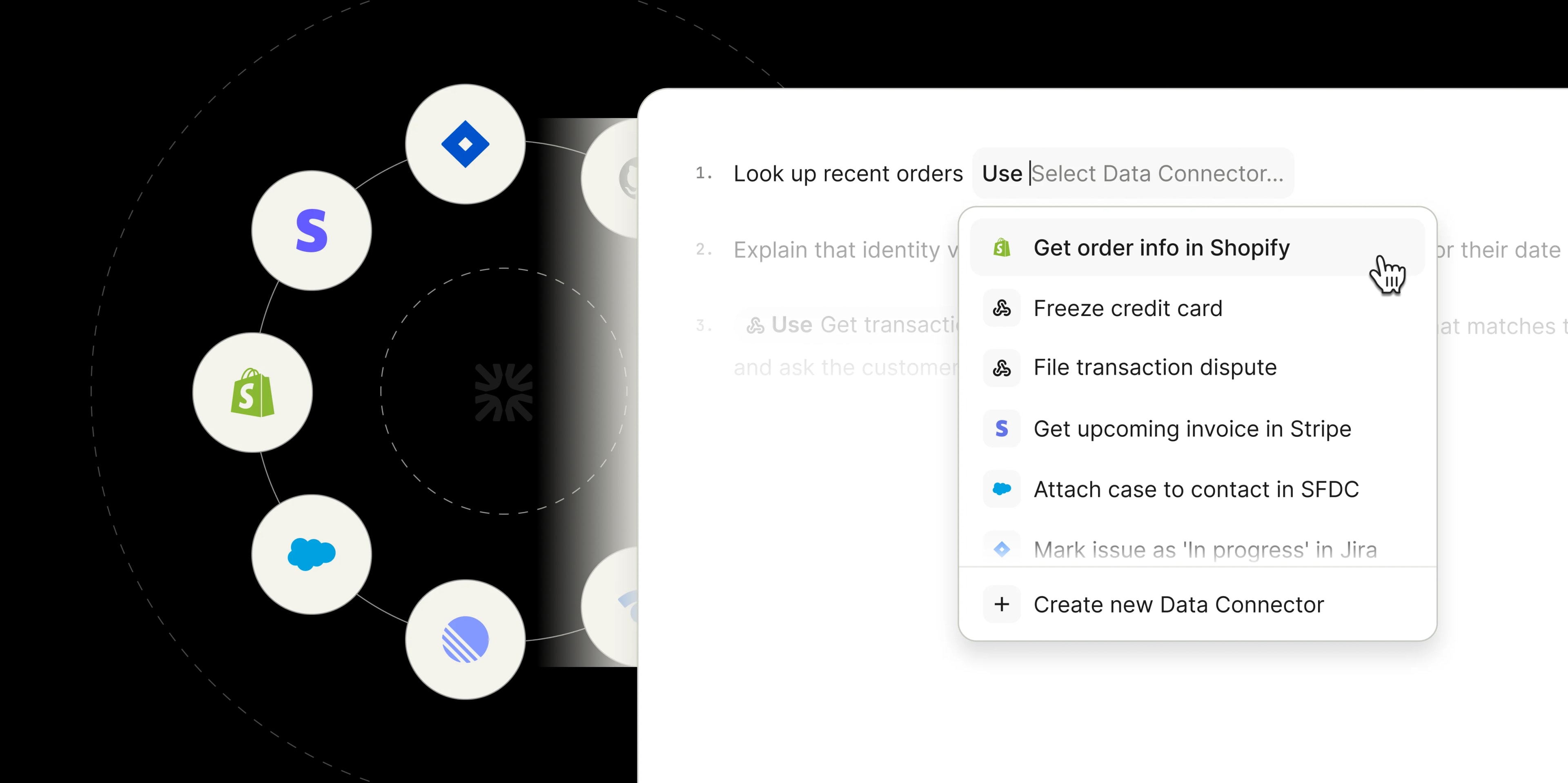
Link Sweo directly to tools like Linear, Stripe, and Shopify through MCP or API Data Connectors, so it always has live, accurate context when responding to customers.

Fig 1.b
Granular access control

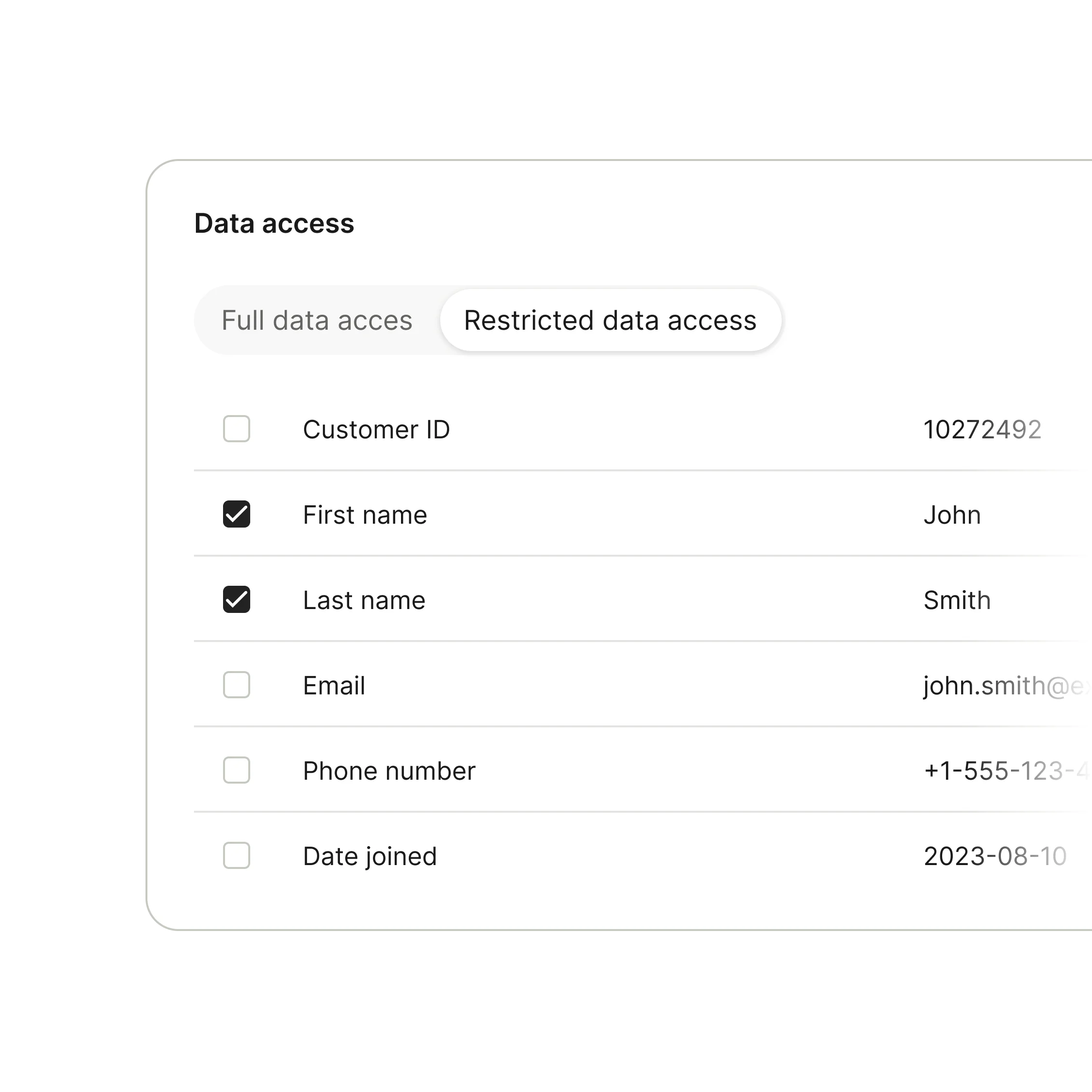
Use OAuth and permissions to define exactly what Sweo can read or update. Every connection is authenticated and auditable for enterprise-grade security.

Fig 1.c
Integrations
Access your Intercom data in ChatGPT, Claude or Glean

Make your Intercom conversation data accessible to external AI systems—uncovering insights, troubleshooting issues, and powering richer analytics with secure, scalable access.

Example use cases

Here are a few ways Sweo can use data from your connected tools to resolve customer queries and take action automatically.

Shopify: “Where is my refund?”Sweo checks refund status and delivery details in Shopify to respond to the customer directly—no ticket needed.
Custom Connectors: “Why did my payment fail?”Sweo accesses your internal payment systems to identify why the transaction failed and guide the customer through resolution.
Salesforce: “When does my membership expire?”Sweo surfaces renewal dates and upgrade opportunities from Salesforce to resolve the query automatically.
Stripe: “What's included in my subscription?”Sweo uses plan details from Stripe Billing to respond directly to personal subscription queries.
Helpdesk Integrations

Sweo works with any helpdesk

02Set up Sweo with your existing helpdesk—no migration required—or as part of the Intercom Customer Service Suite.

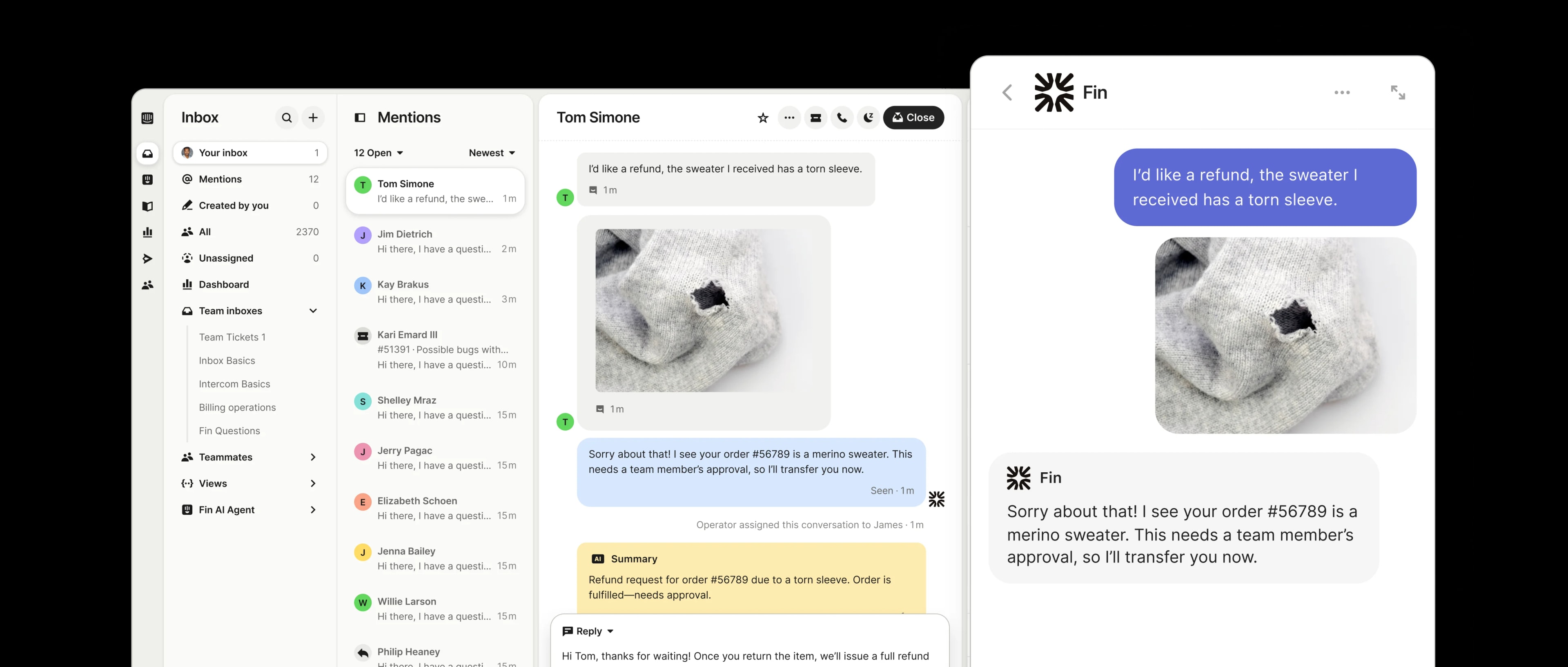
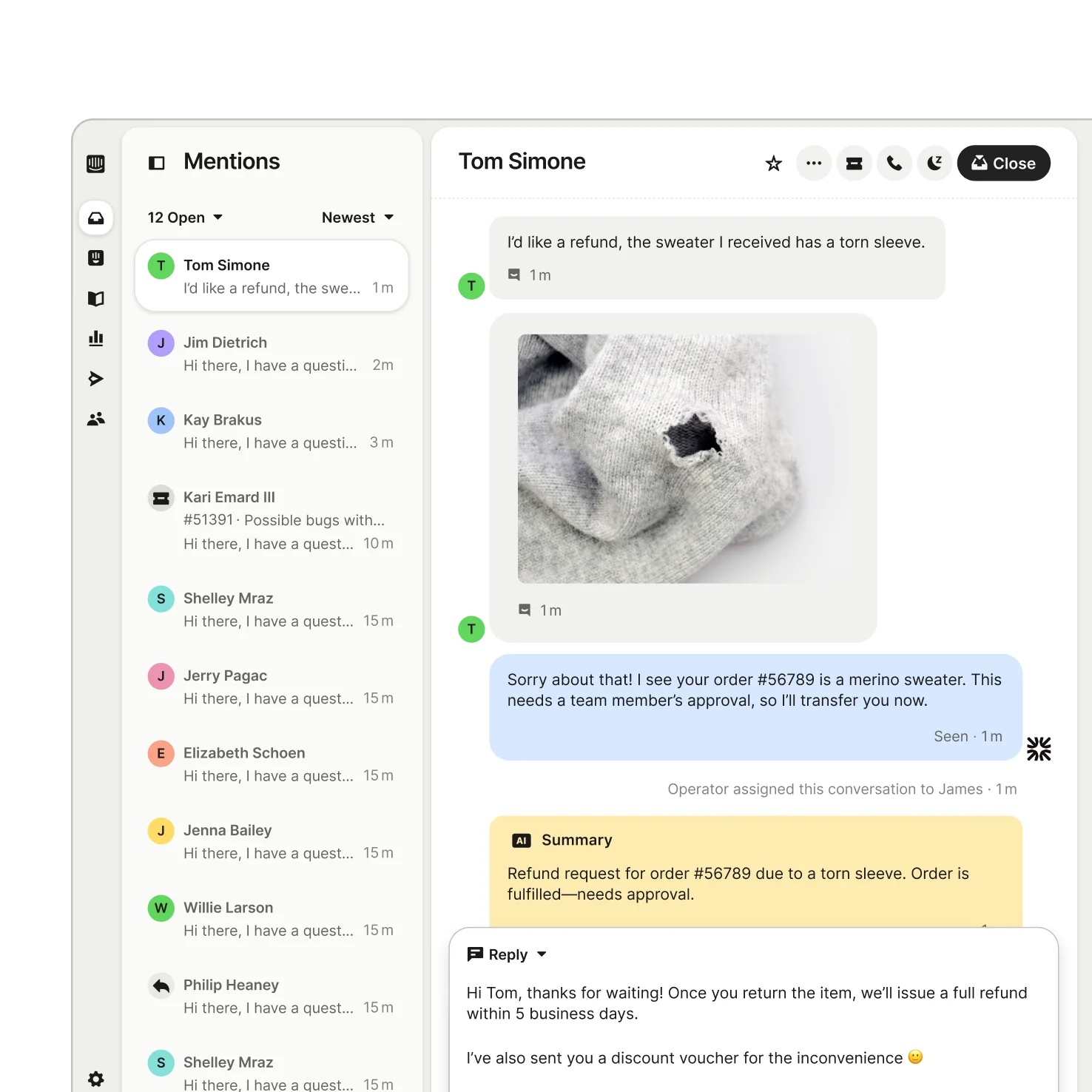
Intercom SuiteThe Intercom Customer Service Suite combines Sweo with a next-gen Helpdesk—built on a single platform that maximizes team efficiency and delivers superior service.
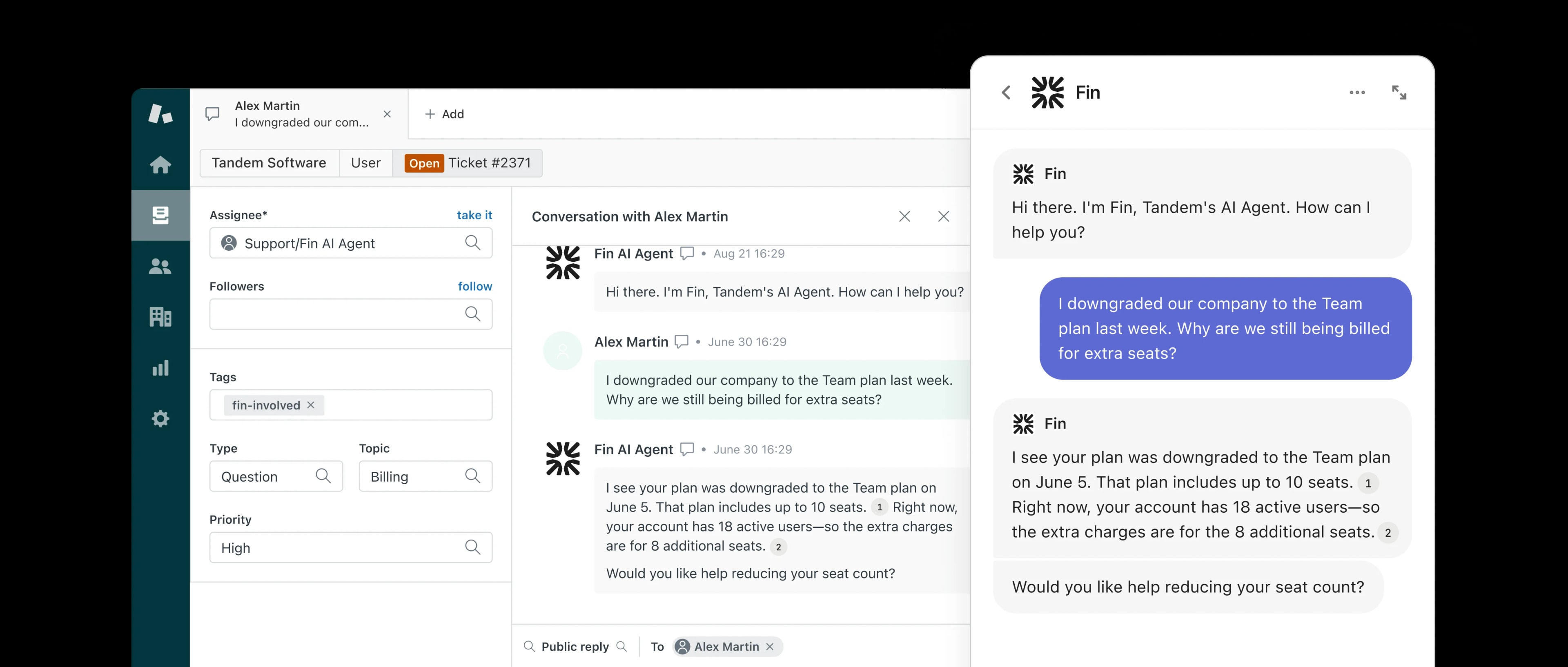
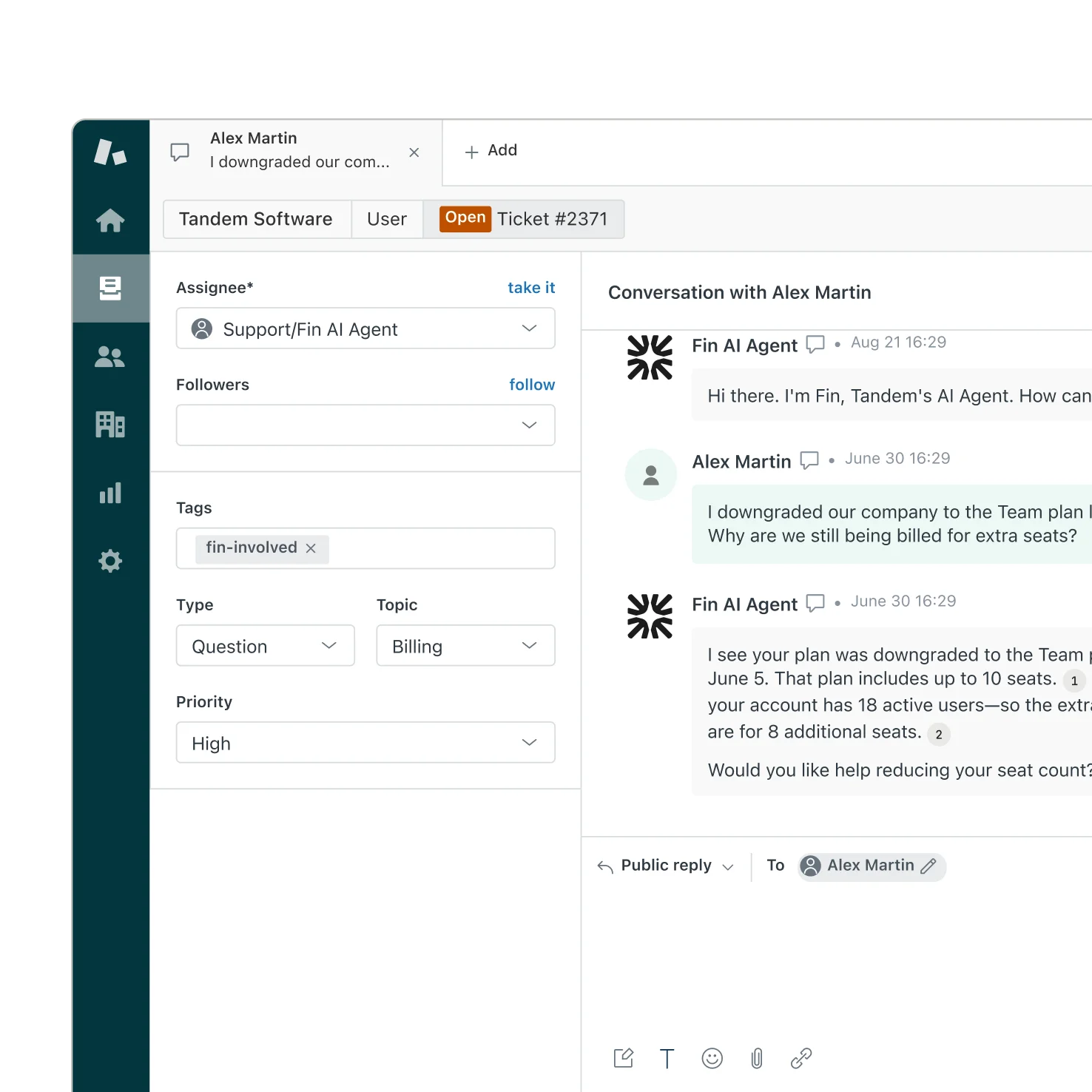
Sweo for ZendeskSweo integrates directly with your existing Zendesk support platform, allowing you to use the highest performing AI agent without platform migration.
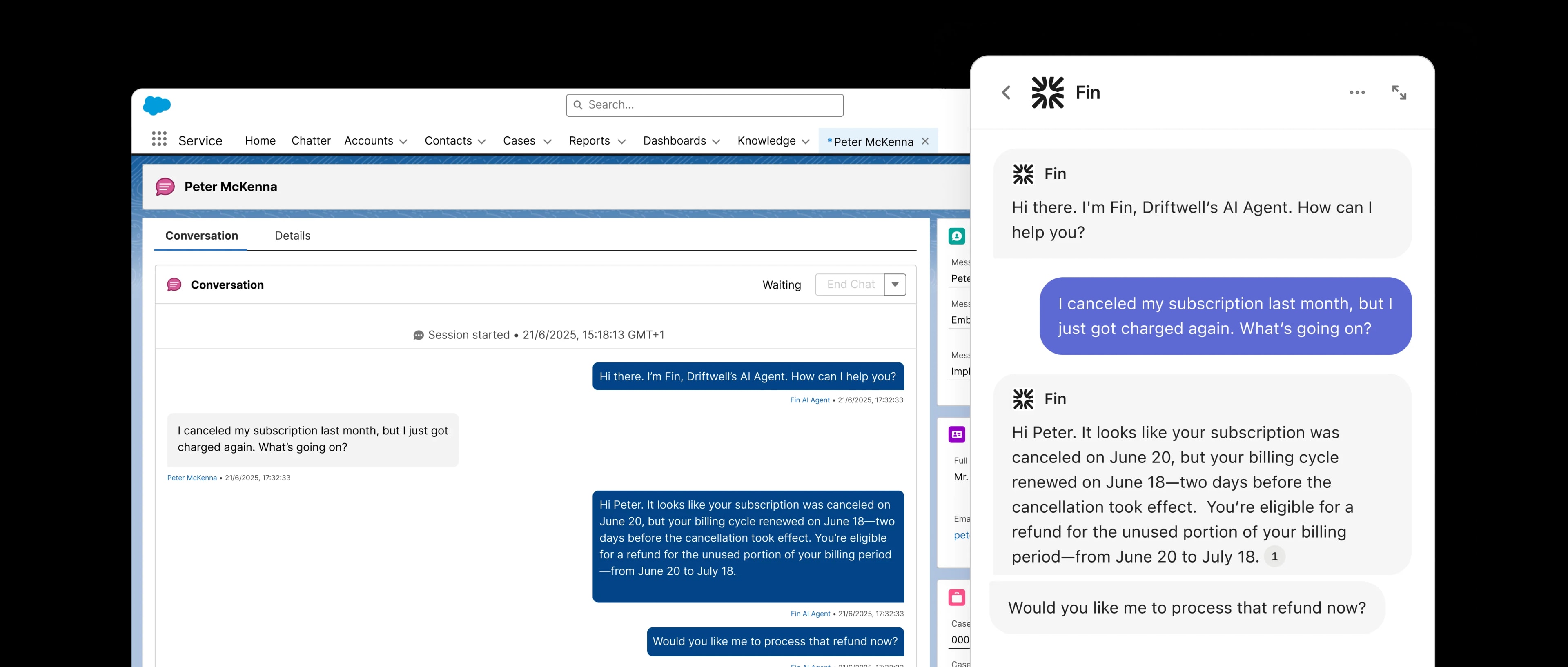
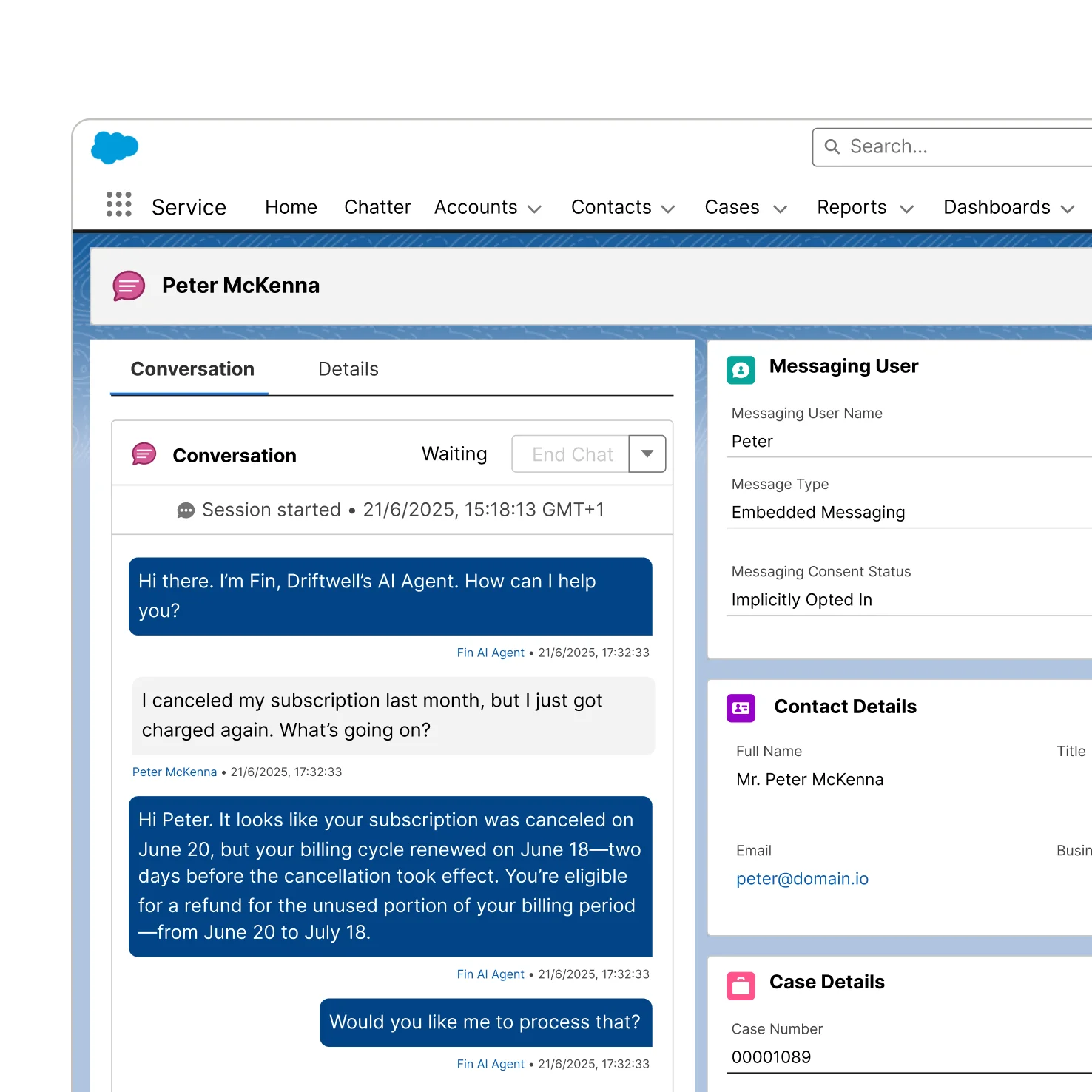
Sweo for SalesforceSweo connects seamlessly with your existing Salesforce Service Cloud setup, letting you deploy the highest performing AI Agent without changing platforms.

“Integrating Sweo with Zendesk was scarily easy. We were able to test it live on a call, and within 30 minutes, we had Sweo handling support requests seamlessly.”

Omnichannel

One AI Agent. For every channel.

Fig 3.a
Data Connectors
Native integration across all your channels

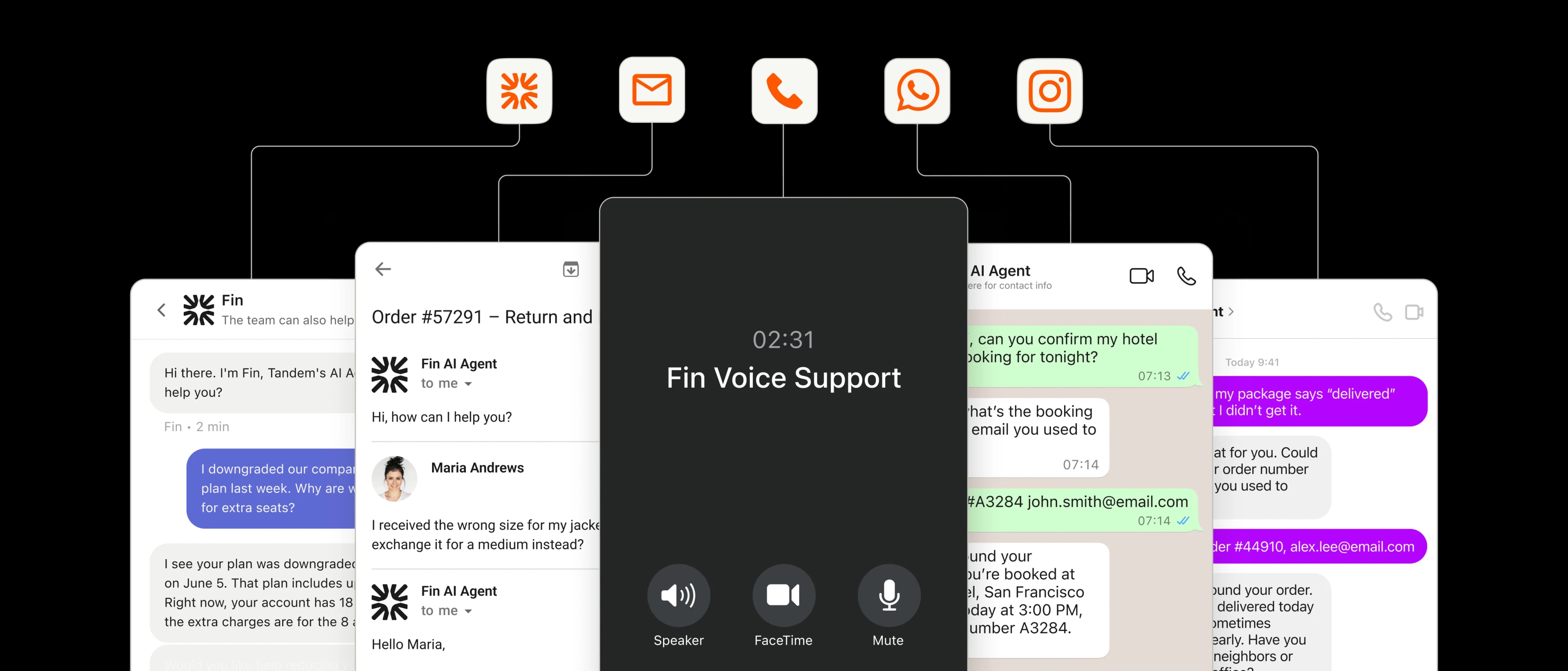
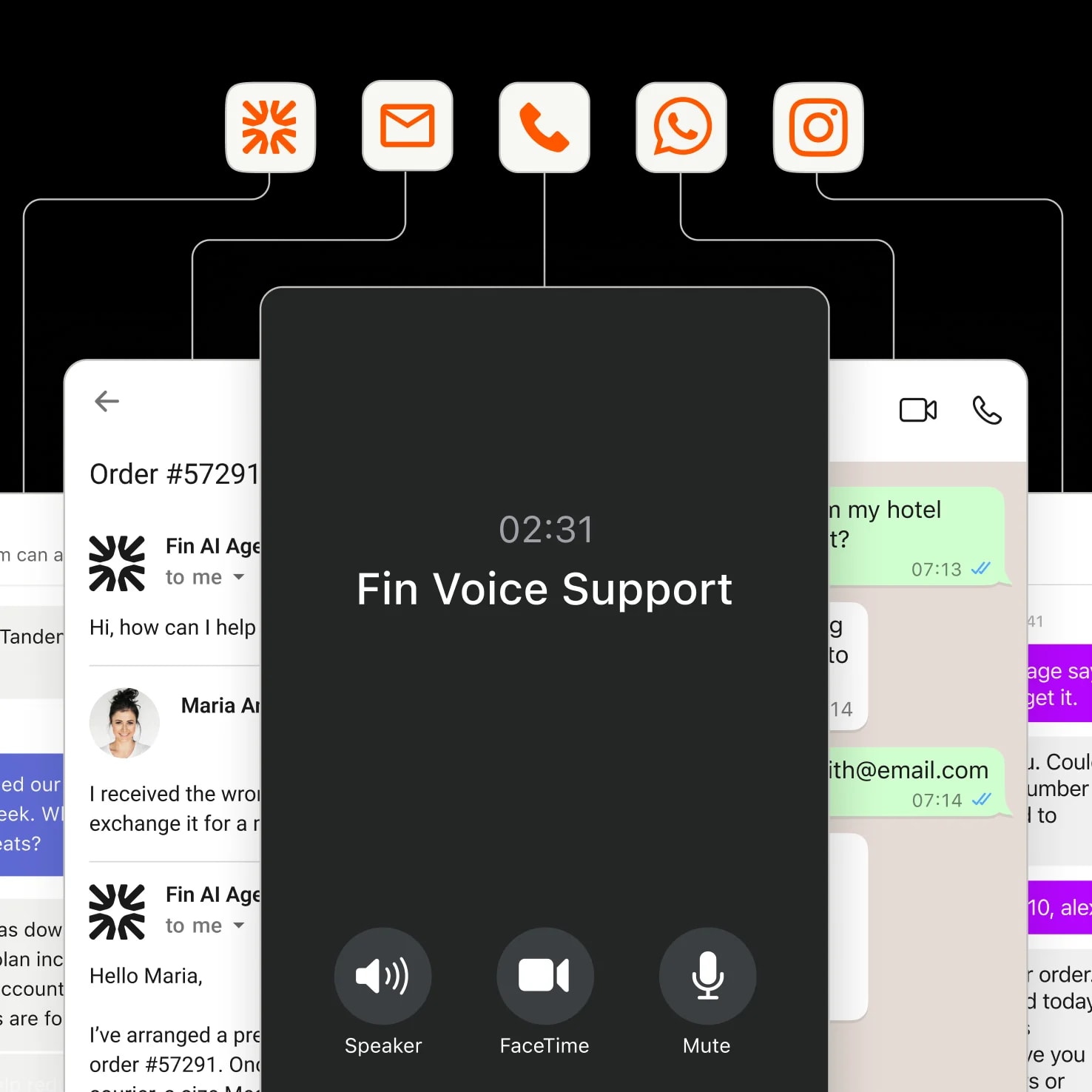
Sweo delivers unrivaled performance across every channel—including Voice, Email, Messenger, and Social Messaging—ensuring consistent, high-quality customer experiences at scale.

Fig 3.B
unmute
Voice

Sweo Voice transforms phone support into a better experience for every caller. Phone conversations feel natural, reflect your brand, and get resolved without IVR menus or long hold times.

FAQs

FAQs

How does Sweo handle sensitive data from my integrated systems?

You choose what Sweo can access. Select "Restricted data access" to limit Sweo to specific fields, and rename internal values into customer-friendly language. Integrations use OAuth 2.0 so you control permissions, and we automatically mask credit card numbers (with optional redaction for SSNs, API keys, and passport numbers via the Strac app). If Sweo can't safely answer a query, it escalates to your team instead of responding.

How does Sweo know when to call an API vs. use existing knowledge?

Sweo analyzes each question and searches your available sources—help articles, data connectors, and actions—to find what's most relevant. If a customer asks about their specific order, Sweo checks your order system. If they ask about your return policy, Sweo uses your help center. Sweo prioritizes whatever solves the question best, and you can see its decision-making in the activity logs.

Can I test integrations before going live?

Yes. Use Previews to manually test how Sweo uses your integration in real conversations, or run Simulations to automatically test at scale. Simulations show you exactly how Sweo reasons through queries, when it calls your APIs, and where it passes or fails. All your tests live in one library, so you can rerun them whenever your systems or policies change.

How long does it take to set up an integration?

Pre-built connectors (like Shopify or Stripe) take 2-5 minutes—you just authenticate and choose what data to share. Custom API integrations take longer, usually 30 minutes to a few hours depending on your system's complexity. We have setup guides for both here.

Do integrations cost extra?

Pre-built connectors are included in all plans. Custom API integrations are available on Professional and Enterprise plans. Sweo charges $0.99 per resolution, regardless of how many API calls are used to resolve the query. You can use integrations as much as you need without worrying about per-call charges adding up.

Fit Sweo seamlessly into your stack today

A decorative background depicting a gradient of colors